

SCHEDULING
Scheduling that turns leads into booked work.
Move from lead to task to service call, estimate visit, or install appointment without splitting the office record from what the customer sees.
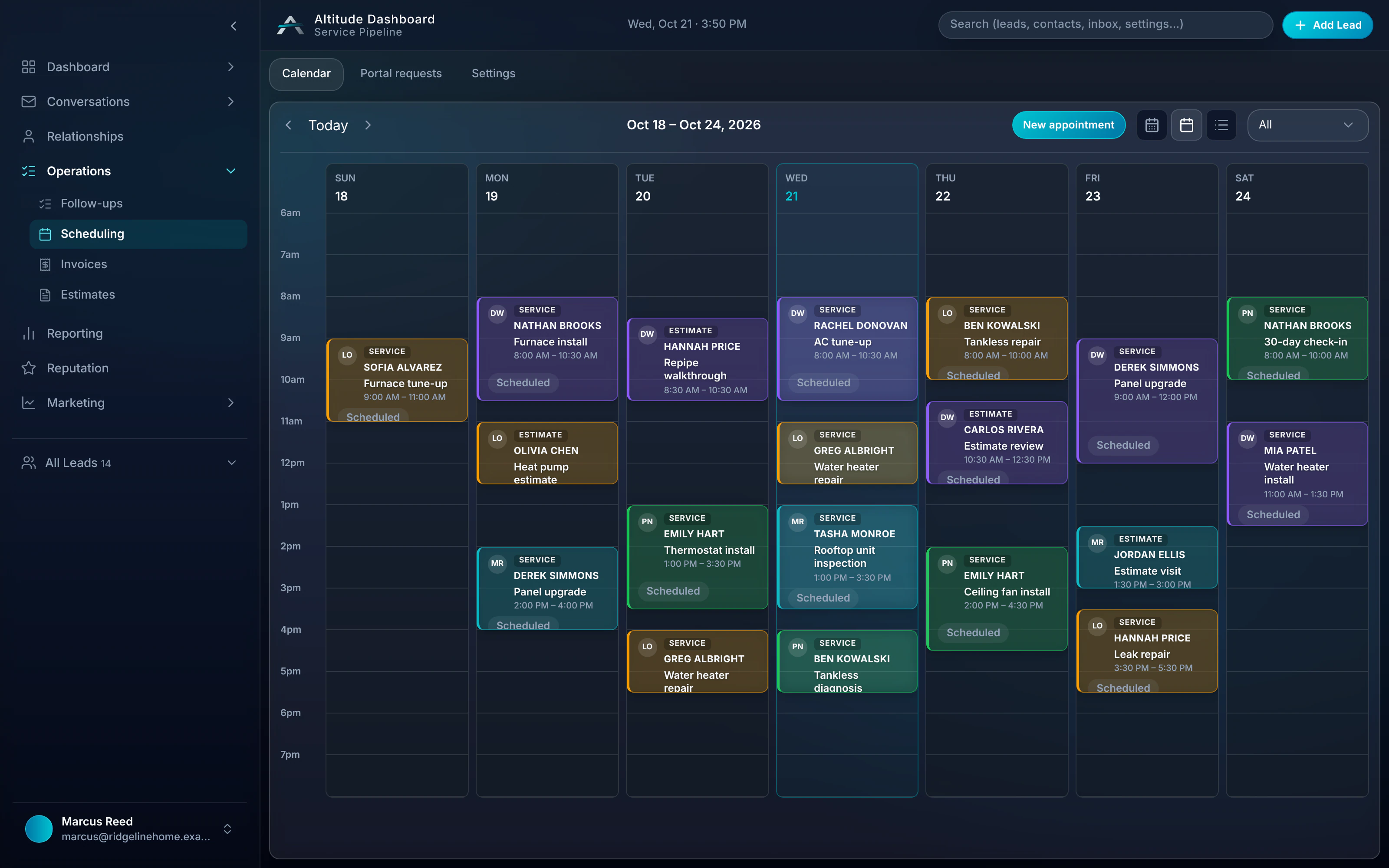
Scheduling in a real job.
At 8:10 AM the water heater call goes on today's board for Luis, while Greg is still texting. The visit stays on the same record as the conversation, the estimate and the invoice.
Follow the whole job, first ring to paidRidgeline Home Services
No. 004218
Greg Albright · Water heater, no hot water
- 7:42 AMMissed callTexted back automatically
- 7:44 AMCustomer replied“No hot water. Can someone come today?”
- 8:10 AMVisit scheduledSchedulingToday 11:00–12:30 · Luis O.
- 12:05 PMEstimate approvedGas valve + thermocouple
- 12:40 PMInvoice paidCard, from the invoice link
$650.00
From a new lead to booked work.
Step 01
Lead
No-cool call · Google Ads source
Step 02
Task
Confirm access window · Today
Step 03
Booked work
Estimate visit · Tue 3:30pm
Cleaner coordination for office, field and customer.
Scheduling that fits service calls, estimate visits, install appointments and invoice handoff, without juggling scattered calendars or disconnected records.
- 01
Book from the job record
Schedule service calls, estimate visits, and install appointments directly from the lead or customer record.
- 02
Fewer missed handoffs
The next task, owner, appointment, estimate, and invoice context stay together so office and field know what happens next.
- 03
No scattered calendars
Booked jobs stay tied to pipeline stages, so the office can see what is pending, scheduled, completed, or waiting on follow-up.
- 04
Lead-to-booked-work continuity
After the visit or service call, create the estimate or invoice from the same record instead of rebuilding context.
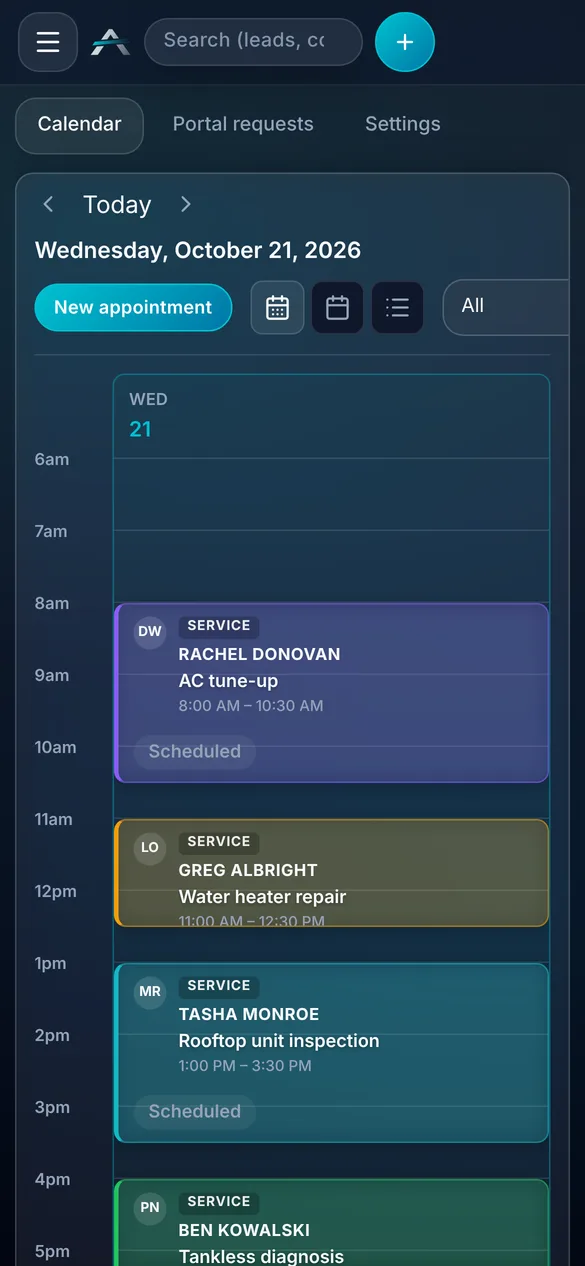
Real ALTITUDE screens. Demo data.
Scheduling works with
- PipelineMove leads into booked work with owner, stage, task, and appointment context in one place.
- TasksFollow-up tasks and scheduled work surface together so handoffs do not disappear.
- Invoices & estimatesAfter the visit, create the estimate or invoice from the same customer record.
Guides that cover this workflow
Longer reads on the CRM and follow-up workflows this feature is part of.
Scheduling, in plain English.
Still wondering? Ask the people who built it.
Can the office schedule a service call from a new lead?
Yes. Open the lead or contact record, assign the next task, and book the service call or estimate visit without leaving the workflow. The appointment stays tied to the same customer history.
Will customers know what is scheduled?
Yes. Scheduling can feed the branded client portal, so customers have a clear place to see appointment details alongside estimates, invoices, approvals, and payment status.
Does this replace heavy dispatch software?
ALTITUDE is built for office scheduling around leads, service calls, estimate visits, and install appointments. If you run complex fleet dispatch or route optimization, keep that tool and use ALTITUDE for the customer record and revenue workflow.
Can customers request an appointment?
Yes, from their client portal. Appointment requests are off by default. When you turn them on, your office confirms each request before it is booked.
Your next customer is about to call.
Be the shop that answers. Free for 30 days, and we do the setup.