

REPORTING
Reporting & ROI
Pipeline visibility, conversion metrics, and follow-up clarity. See what is moving and what is getting stuck — no extra setup required.
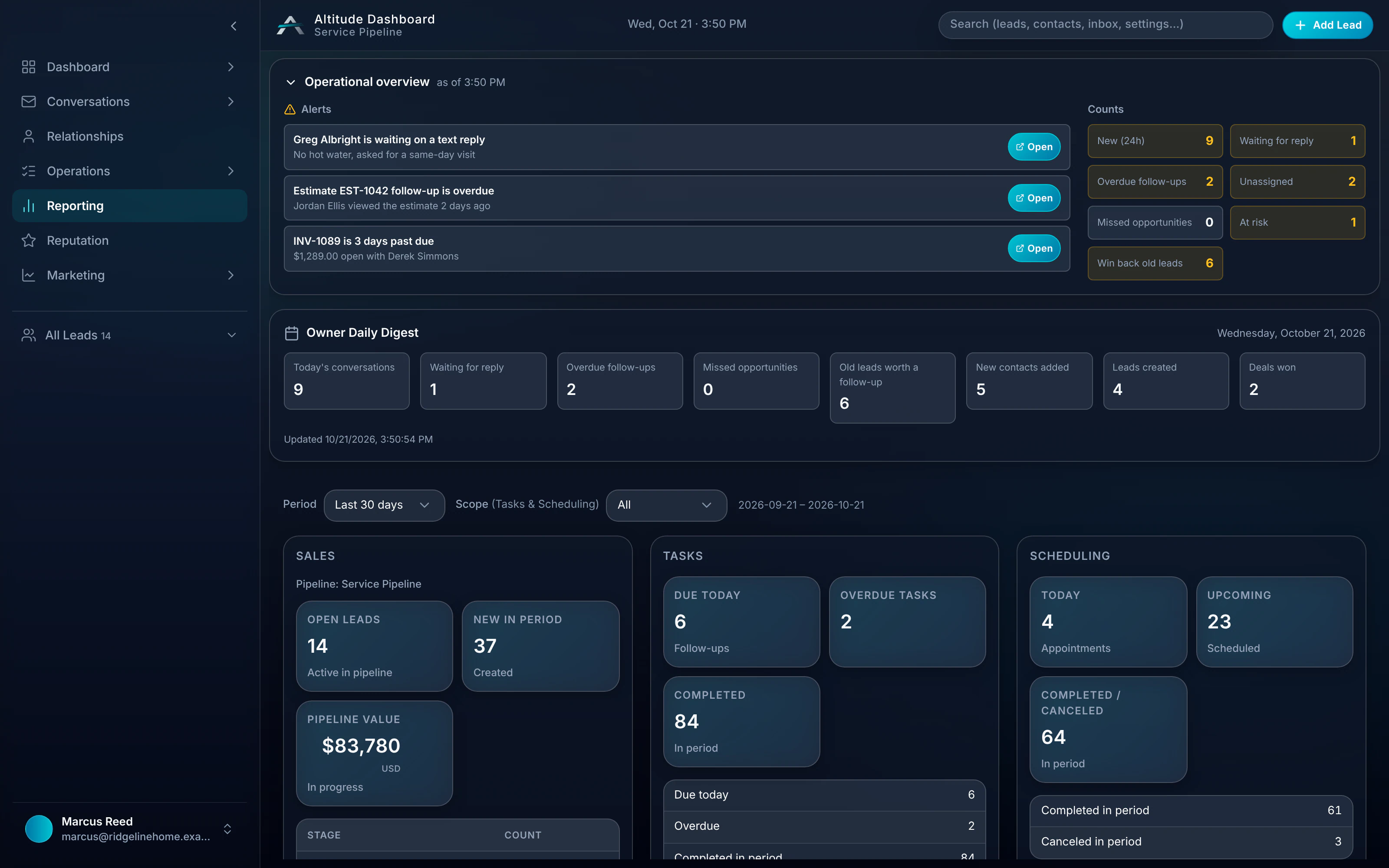
Reporting in a real job.
When Greg pays the $650 invoice at 12:40 PM, the owner sees that paid job counted against the source it came from. The visit, the estimate approval and the follow-up behind it sit in the same view, with nothing re-entered.
Follow the whole job, first ring to paidRidgeline Home Services
No. 004218
Greg Albright · Water heater, no hot water
- 7:42 AMMissed callTexted back automatically
- 7:44 AMCustomer replied“No hot water. Can someone come today?”
- 8:10 AMVisit scheduledToday 11:00–12:30 · Luis O.
- 12:05 PMEstimate approvedGas valve + thermocouple
- 12:40 PMInvoice paidCard, from the invoice link
$650.00
What reporting reads from your workflow.
Step 01
Pipeline stages
New · Follow Up · Closed
Step 02
Activity
Tasks, appointments, touches
Step 03
Source-to-paid job
Estimates, portal approvals, invoices
Practical ROI framing
Reporting that helps owners and managers see what matters. No buried metrics. No extra configuration.
- 01
Pipeline visibility
See what is moving and what is getting stuck. Pipeline stages, conversion, and activity at a glance.
- 02
Follow-up clarity
Track leads by stage. See who's active, who's overdue. No buried metrics. Practical visibility for owners and managers.
- 03
Task and activity context
Reporting tied to the real workflow. Tasks, appointments, and pipeline activity in one view.
- 04
Source-to-paid job view
Invoices and estimates in context. See what's closed, what's pending. Pipeline ROI without extra setup.
No extra setup required
- 01
Reporting is built in
Your pipeline, tasks, and invoices feed into it. No dashboards to configure. No data to re-enter.
Reporting works with
- Pipeline & LeadsReporting starts with pipeline visibility. Stages, conversion, activity.
- Invoices & EstimatesInvoices feed into reporting. Estimate-to-paid visibility in one view.
- Tasks & Today viewTask and activity context in reporting. See what's moving.
- Client PortalsPortal approvals and payment visibility stay tied to the job record.
Guides that cover this workflow
Longer reads on the CRM and follow-up workflows this feature is part of.
Reporting, in plain English.
Still wondering? Ask the people who built it.
What does reporting show?
Pipeline visibility — stages, conversion, activity. Follow-up clarity — who's active, who's overdue. Source-to-paid-job context. No fake charts. No extra data entry.
Do I need to configure reporting?
No. Reporting is built in. Your pipeline, tasks, and invoices feed into it. No extra setup required.
Can I see which leads became paid jobs?
Yes. Estimates and invoices feed reporting, so you can see what closed, what is still pending, and the source behind each paid job.
Does reporting include client portal activity?
Yes. Portal approvals and payment status stay tied to the job record, so they show up next to pipeline and task activity.
Your next customer is about to call.
Be the shop that answers. Free for 30 days, and we do the setup.